
Help  ›  Troubleshooting

Troubleshooting

Quick fixes for the most common issues.

Surge AI isn't responding
First, check the Surge AI status pill at the top of the Hub. If it shows offline, our LLM router has fallen back — wait 30 seconds and retry. If still failing, hard-refresh the page (Ctrl+Shift+R) and clear browser cache. Persistent issues: open a Bug Report from the right-side menu.
Chart not loading
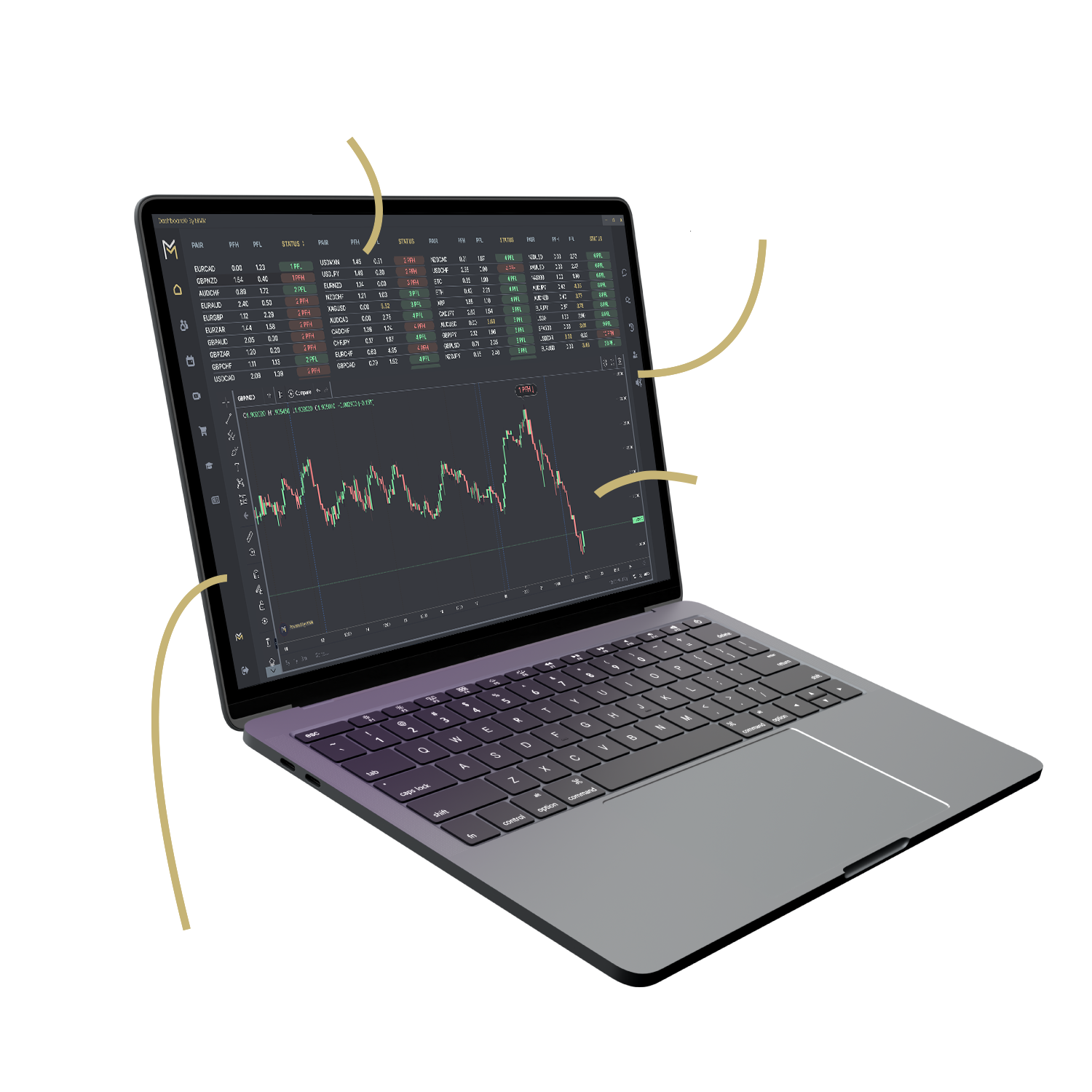
TradingView charts depend on a live market-data feed. If candles are missing: (1) check your subscription tier supports that symbol, (2) toggle the timeframe button to force a refetch, (3) clear browser cache, (4) confirm no ad-blocker is blocking api.twelvedata.com.
Pre-trade checklist won't open
The Pre-Trade Checklist is keyboard-shortcut P while focused on the chart pane. If clicking the button does nothing, your session may have expired — log out and back in. Browser console errors should be reported via Bug Report.
Microphone permission denied
Click the padlock icon next to the URL in your browser, switch the Microphone permission to Allow, then reload the page. On macOS you may also need to grant your browser microphone access in System Settings → Privacy & Security → Microphone.
Auto-trade signals aren't firing
Auto-trade is in development — not included yet, so no auto-trade executions fire today. If your FSB signal feed looks stale, check the dashboard's signal panel and report anything stuck via Bug Report.
Login loop / can't stay signed in
Clear cookies for the mmm.surgingmarkets.com domain, then sign in again. If you use Safari, ensure 'Prevent cross-site tracking' is not blocking our session cookie. Still stuck? Reset password via the forgot-password link.
Payments failing
Stripe declines are usually card-issuer fraud holds. Try a different card, ensure billing address matches the card on file, or contact your bank to authorize the charge. Persistent declines: contact support with the Stripe error code shown.